Native iPad app by Bitwise Masters LTD
RapidScan
Turn your iPad into a fast, focused document scanner.
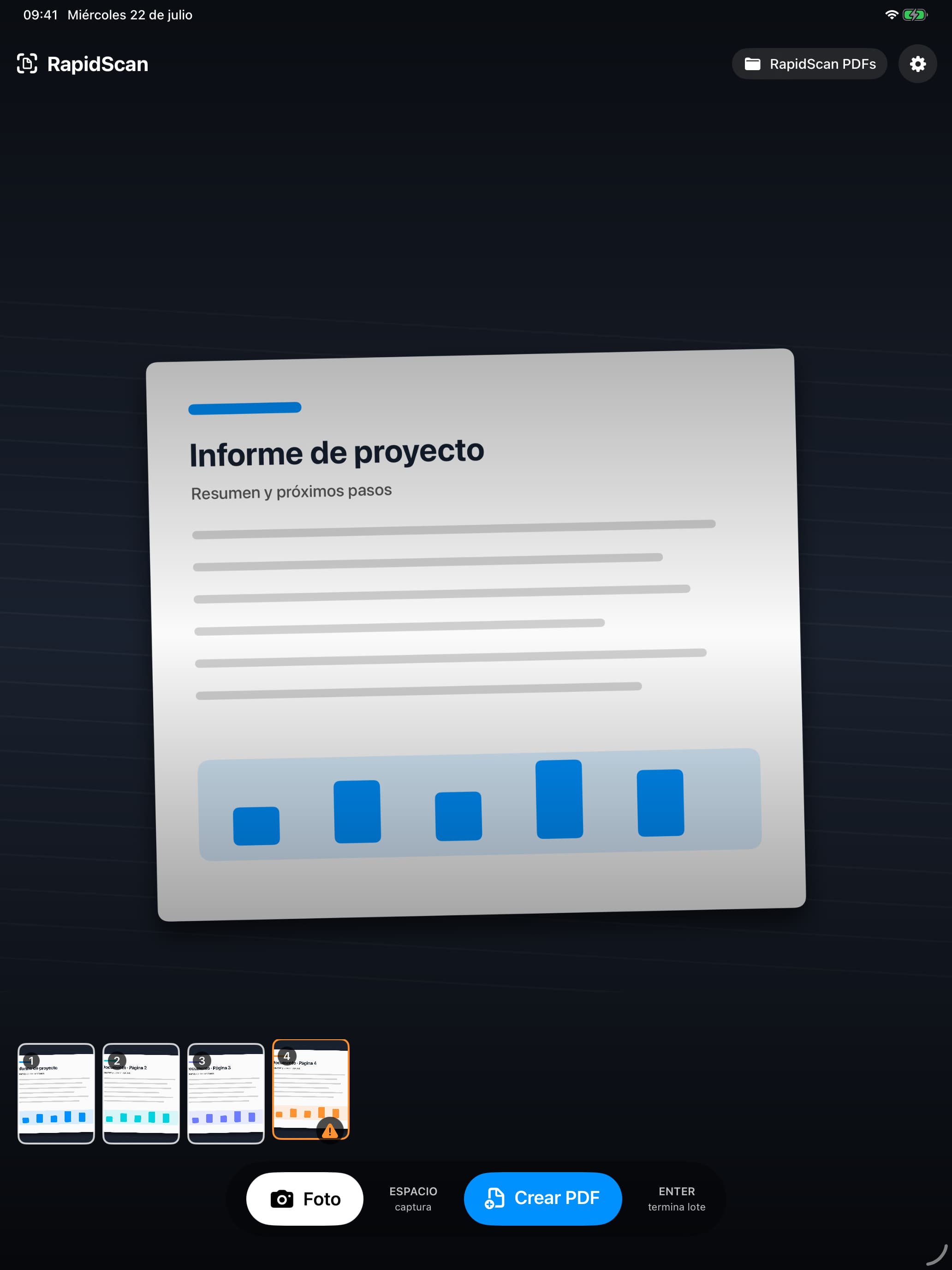
Capture a stack of pages, tidy the results and create one compressed, searchable PDF — using touch controls or a physical keyboard.
Product preview
See RapidScan in action
Capture pages, review a batch and create a searchable PDF directly on your iPad.
Built for real scanning sessions
From paper to a useful PDF, without slowing down
RapidScan combines automatic document detection with the editing controls needed to correct a batch before it leaves your iPad.
- Capture pages with the iPad’s rear camera in portrait or landscape.
- Detect documents automatically and correct perspective locally.
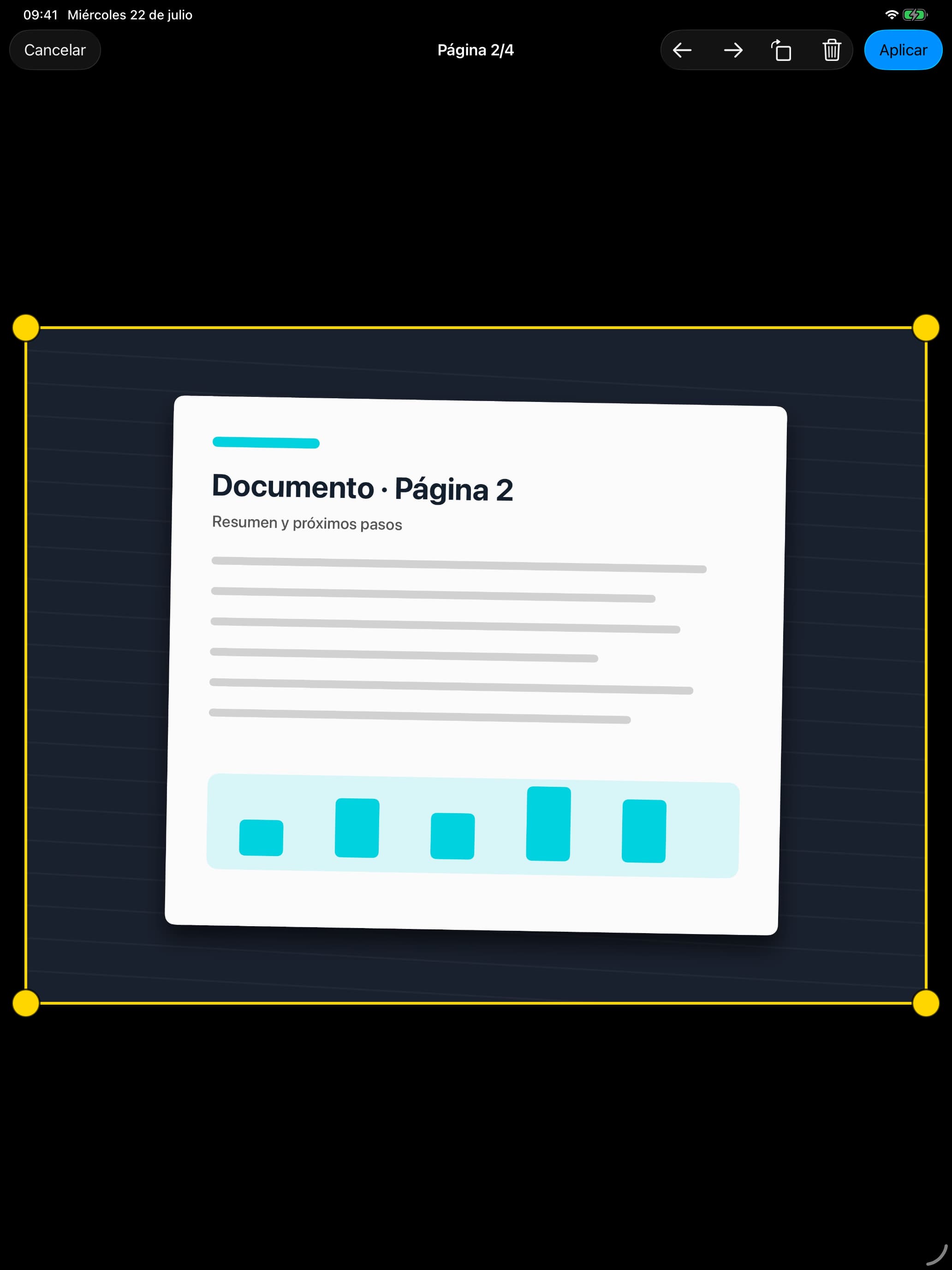
- Review, crop, rotate, delete and reorder pages before export.
- Select and rotate several pages together, with OCR repeated after rotation.
- Create searchable, selectable PDFs with three compression levels.
- Save directly to a folder you choose in Files — no account required.
Keyboard-led capture
Scan a batch with two familiar keys
Keep both hands in a comfortable scanning rhythm when your iPad is paired with a physical keyboard. Touch controls remain available throughout.
- Space
Capture a page
Press the space bar to capture through the rear camera, then position the next page.
- Space × pages
Build the batch
Continue at your own pace while RapidScan detects the document and corrects its perspective.
- Enter
Finish as one PDF
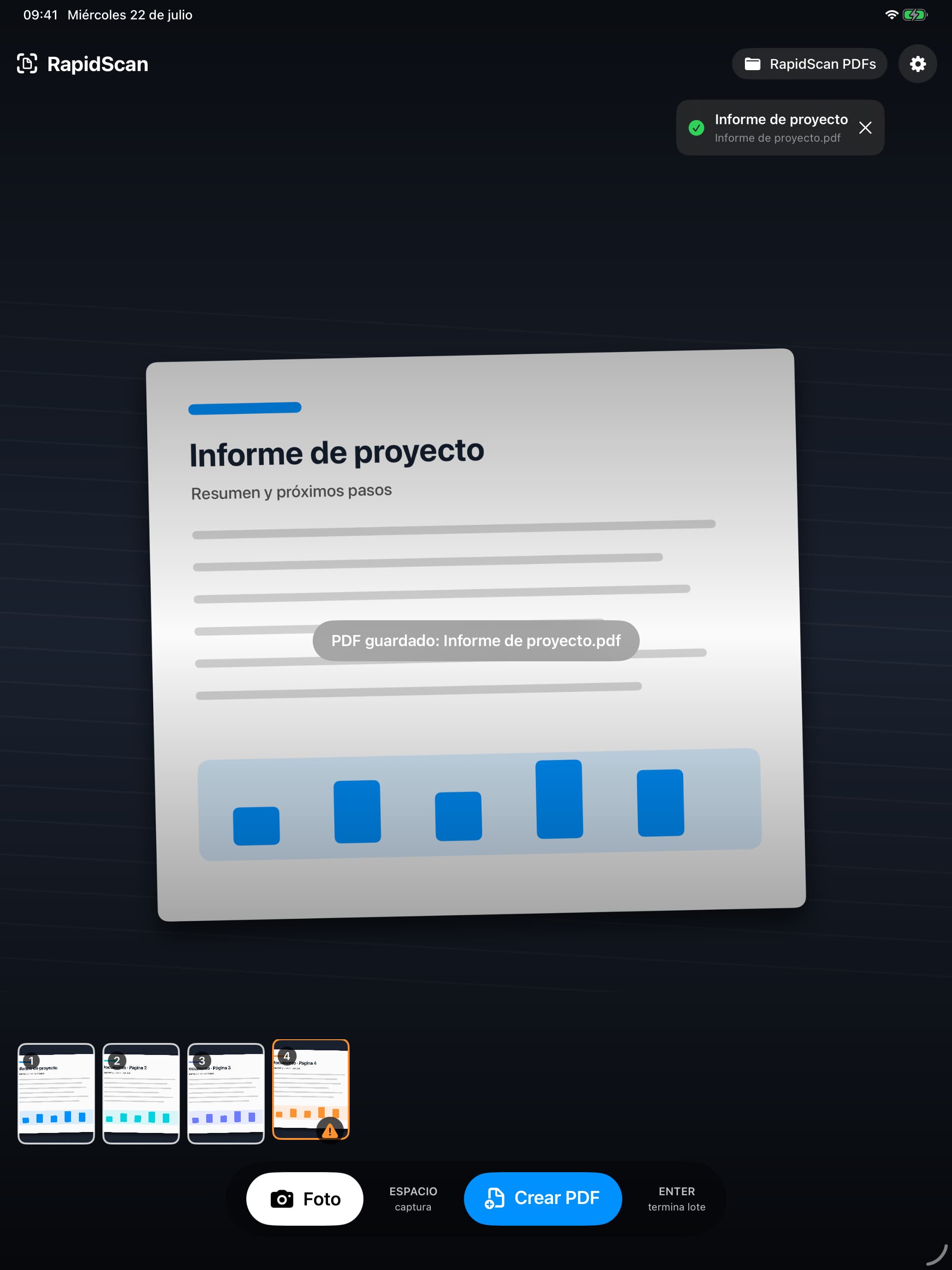
Press Enter to close the batch and generate a single compressed, searchable PDF.
Review and export
Fix the batch before you file it
Crop, rotate, remove and reorder individual pages, or select several pages and rotate them together. When a page is rotated, RapidScan runs OCR again so the text layer matches the corrected page.
Choose from three PDF compression levels, then save the finished document to your selected folder through Apple’s Files system.
Made for more iPad users
Six languages, either orientation
RapidScan is available in English, Spanish, Simplified Chinese, Hindi, Arabic and French, and adapts to portrait or landscape use.
The app is designed specifically for iPad, with controls that work equally well by touch or from a paired physical keyboard.
Privacy by design
Your documents remain under your control
RapidScan needs no account and includes no analytics, advertising, tracking or third-party SDKs. Capture, perspective correction, OCR and compression happen locally using Apple frameworks. Files are saved only where you choose.
Frequently asked questions
Which devices does RapidScan support?
RapidScan is a native app made exclusively for iPad. It works in both portrait and landscape orientation.
Do I need a physical keyboard?
No. Every capture and batch action is available through touch controls. A physical keyboard simply provides the fastest workflow for repeated scanning.
Can I search text in an exported PDF?
Yes. RapidScan adds an OCR text layer so compatible PDF readers can search and select recognised text.
Where are my PDFs saved?
You choose a folder through Apple’s system file picker. That folder can be on the iPad or with a Files provider you have configured, such as iCloud Drive.
Does RapidScan upload my documents?
No. RapidScan does not upload photographs, documents, OCR text or PDFs to Bitwise Masters or third-party servers.
Need help with RapidScan?
Visit product support for practical answers or contact Bitwise Masters with a RapidScan question.